Introducing Checkout Links: Make It Easier for Customers to Complete Their Order
A lot of your customers don’t start from your online store — they start in your DMs. They tell you what they want on WhatsApp, Instagram, or Telegram, you help them pick products, and then, you still need a way for them to pay and for you to keep proper records.
That’s where Checkout Links on Catlog come in.
Instead of sending them to browse your full inventory (which many people don’t want to do), you can turn that DM conversation into a simple link they can tap to finish their order. They get a quick, stress-free way to pay; you get the order, payment, and customer details recorded in one place on Catlog — not scattered across chats.
Checkout Links are a faster way to turn conversations into confirmed, trackable orders with just one link.
What is a Checkout Link?
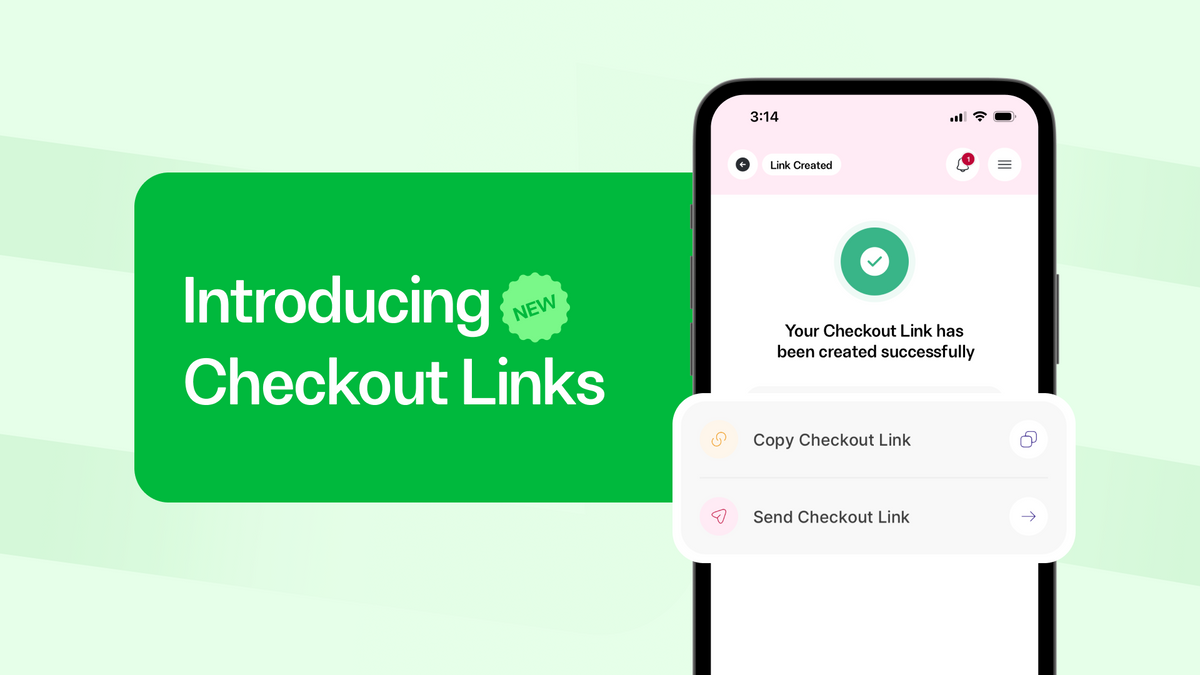
A Checkout Link is a unique URL you can generate and share directly with your customer.
You choose the products, optionally pre-fill your customer’s details (like their name and phone number), and turn it into a link.
Your customer taps the link, reviews the items, enters their delivery and payment details, and completes checkout in one smooth flow with no stress.
Why Checkout Links matter for your business
Online buyers are impatient and indecisive, and every extra step is a chance for them to drop off.
Here’s why checkout links matter:
1. Faster checkout, fewer distractions
Instead of sending customers to browse your entire store, you send a cart that’s already been curated for them. They don’t have to search, filter, or figure anything out. They land on exactly what they asked for and can check out straight away.
2. Less cart abandonment
Abandonment often happens between “I want this” and “I’ll complete checkout later”. With Checkout Links, that gap is smaller. The path from chat → browse products → cart → payment is shorter, which means more completed orders.
3. More done for them, still flexible
You can pre-fill your customer’s name and phone number to save them time and make the experience feel personal. However, they still have full control: they can change quantities, add more products, or update their delivery details before checkout and payment.
4. A smoother experience everywhere you sell
Whether you sell mostly via Instagram DMs, WhatsApp, Telegram groups, or your existing customer list, Checkout Links fit right in. If you can send a message there, you can send a Checkout Link.
How To Create a Checkout Link
Creating a Checkout Link is very easy. You can do it in two main ways:
A checkout link
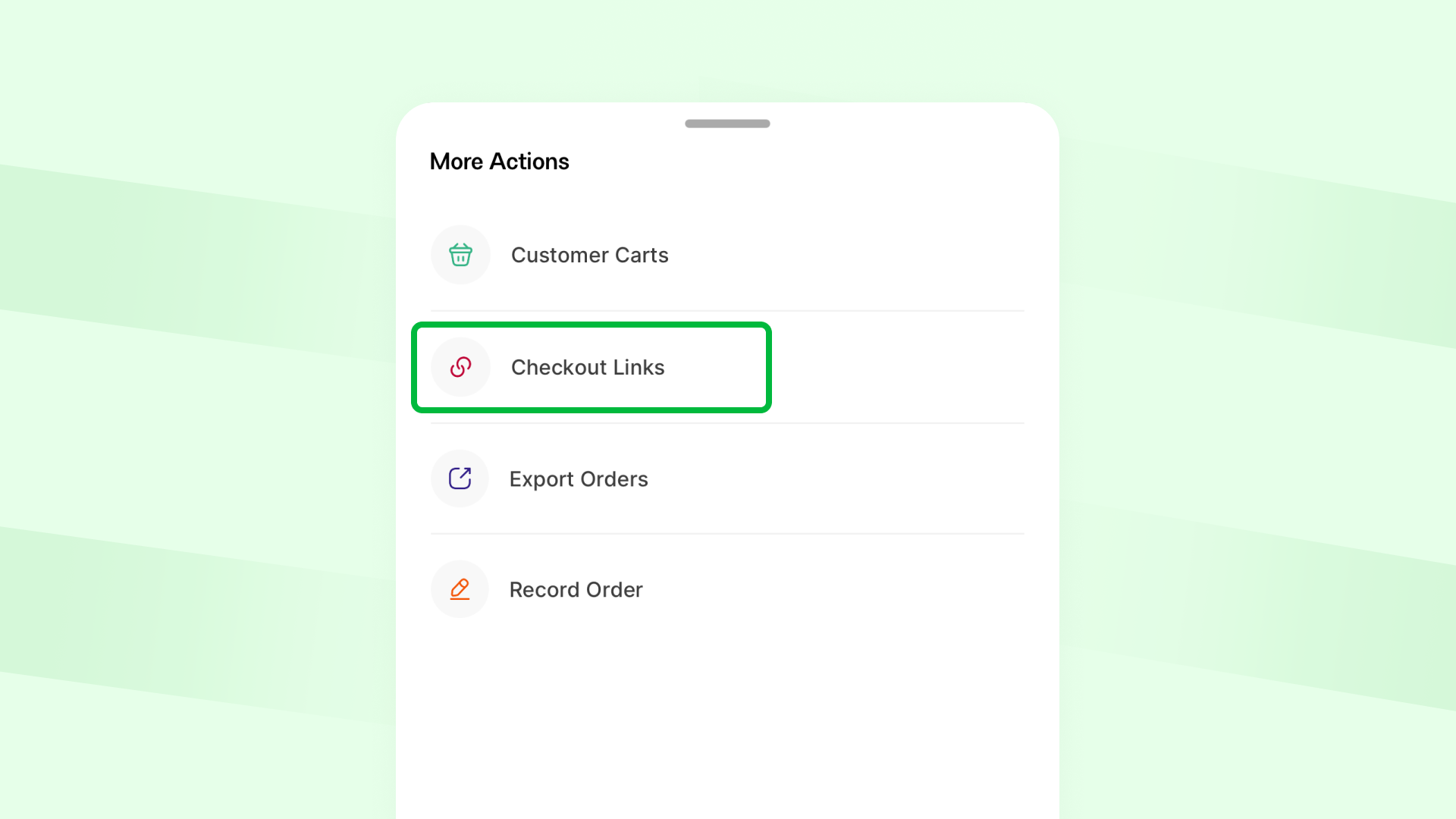
- Open orders on your Catlog app.
- Click on the three dots icon.
- Choose Checkout links.
- Select or adjust the items in the cart.
- (Optional) Pre-fill customer details like name and phone number.
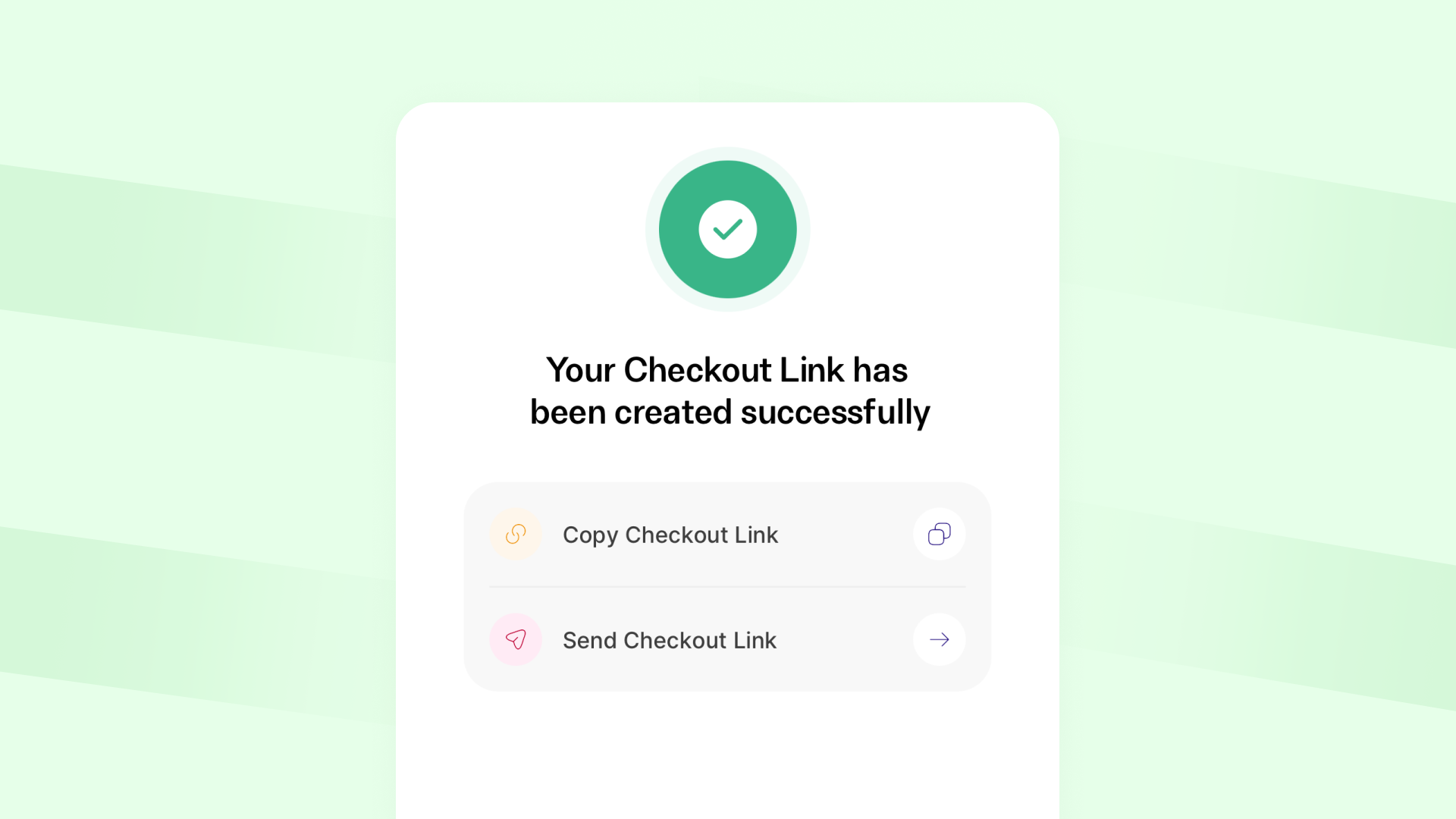
- Create the link, copy it, and share it through your preferred channel.
From an abandoned cart
This is where Checkout Links quietly becomes a sales machine.
- Go to Customer carts from Orders
- Pick an abandoned cart (someone who started but didn’t finish checkout).
- Click Generate checkout link.
- Send it with a simple message: “Still interested in this? Here’s a quick link to complete your order.”
Instead of watching abandoned carts pile up, you can actively bring shoppers back to finish what they started.
What your customer sees
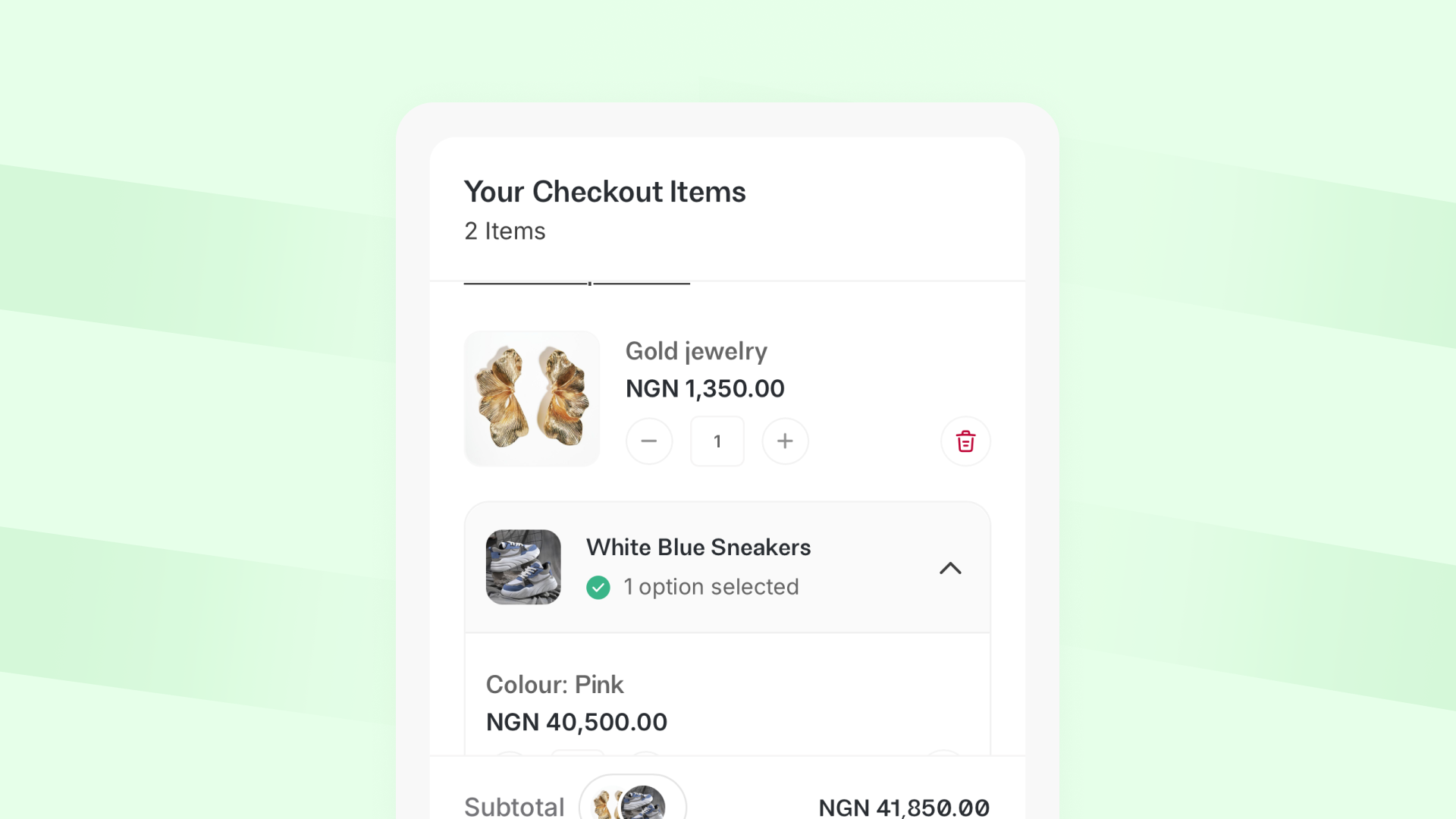
When a customer clicks your Checkout Link, they see a cart that’s already set up for them.
They’ll see:
- The products they’re about to buy
- Prices and quantities
- Cart subtotal
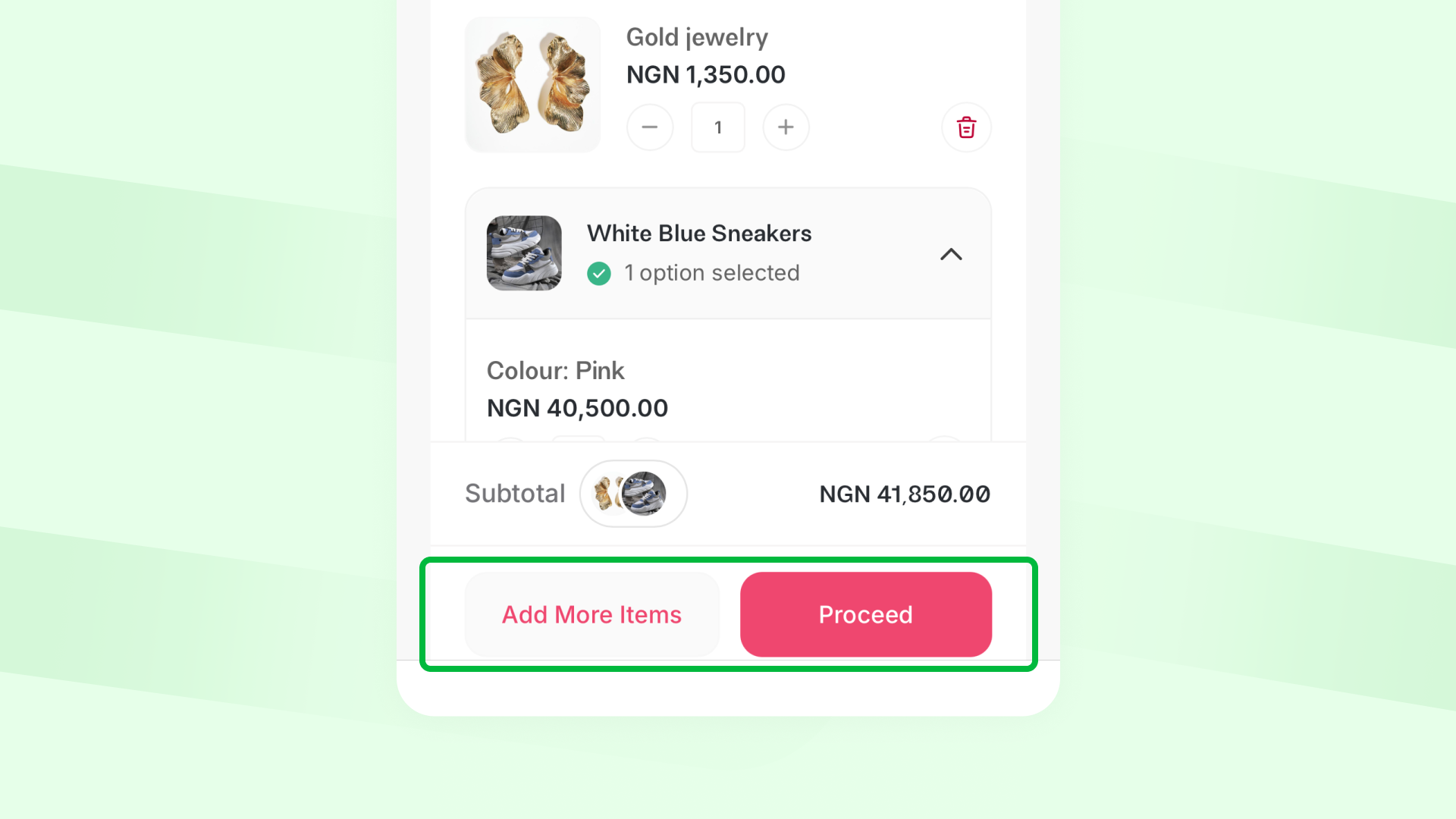
From there, they can:
- Edit product quantities
- Add more products to their cart
- Update personal and delivery information (even if you pre-filled some details)
- Proceed to checkout and pay as usual
What Checkout Links do for you
Checkout Links help you:
- Close sales faster
- Reduce friction at checkout
- Recover abandoned carts
- Offer a smoother customer experience
It’s a simple feature, but it changes how quickly and confidently you turn interested shoppers into paying customers.
Start using Checkout Links today
With Checkout Links, you make it easier for people who already want to buy to complete their purchase.
The next time someone is interested but doesn’t finish checking out, don’t let them go; that’s leaving money on the table. Open your app, generate a Checkout Link, and send it to them.
It’s a small step on your side that makes it much easier for them to complete their order.